SUPPL COSMO app
Get SUPPL COSMO on your phone, tablet or computer, with an icon on your home screen. The app is free and uses the same account as the suppl-cosmo.com website: your requests, quotes and messages are the same everywhere.

Free · Android, iPhone, desktop
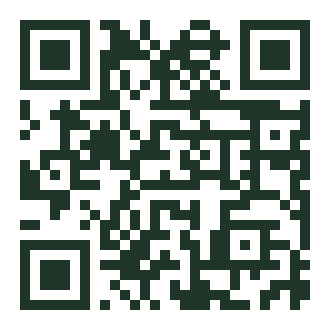
On a computer: scan this code with your phone camera to install the app.
SUPPL COSMO is the 100% European B2B platform connecting cosmetic brands with European manufacturers (contract makers, labs, packaging, decoration) across the 27 EU countries, with zero commission.
Install the app
Choose your device:
Android (Chrome, Samsung Internet, Edge)
Tap the “Install the app” button above. Otherwise, open the browser menu (⋮) then “Install app” or “Add to Home screen”.
iPhone and iPad (Safari)
Open suppl-cosmo.com in Safari, tap the Share button (the square with an up arrow), then “Add to Home Screen” and “Add”.
Desktop (Chrome, Edge)
Click the “Install the app” button above, or the install icon on the right of the address bar.
What you can do with the app
Everything you do on the website, one tap away from your home screen:
For brands
Describe a project, follow your quote requests, compare manufacturers’ offers and talk to them.
For manufacturers
Receive brand requests, answer quotes, update your profile and products.
Google Play and App Store
Versions to download from Google Play and the App Store are in preparation. Meanwhile, installing from the website is instant and free.
Find your manufacturer for free
Describe your project: our buying team selects suitable European makers and you receive comparable quotes. Free, no commission.
Frequently asked questions
Does the app replace the website?
No. The suppl-cosmo.com website stays available as before, from any browser. The app is an extra option for faster access.
Is the app free?
Yes. Like the platform, the app is free for professionals with zero commission.
Do I need a new account?
No. Sign in with the same email and password as on the website.
How do I uninstall the app?
Like any app: long-press the icon, then “Remove” or “Uninstall”. Your account is not deleted.
Read more
Updated: October 2026